# Proton Drive for Linux
**Proton Drive on the Linux desktop.** Your files as a folder that downloads on demand, synced
local folders, Photos, sharing, and a native GTK4 app with tray and search launcher, plus a
scriptable CLI.
**[proton-drive.narl.io](https://proton-drive.narl.io)**
[](https://github.com/narrrl/proton-drive-linux/actions/workflows/ci.yml)
[](https://github.com/narrrl/proton-drive-linux/releases/latest)
[](https://aur.archlinux.org/packages/proton-drive-for-linux)
[](LICENSE)
[](https://www.rust-lang.org)
[](https://buymeacoffee.com/narl)

> [!IMPORTANT]
> This is an **unofficial**, community-built client. It is not affiliated with, endorsed by, or
> supported by Proton AG. "Proton" and "Proton Drive" are trademarks of Proton AG, used here only
> to describe what the software talks to. Try it with data you have another copy of first, and
> read [what survives a lost machine](docs/RECOVERY.md) before you rely on it.
## Features
**Files**
- **Your Drive as a folder.** `~/ProtonDrive` works with every program. Files download when they
are opened, a block at a time, so a video starts playing and a large archive can be read
without fetching all of it.
- **Available offline.** Keep chosen files and folders fully downloaded; everything else is
cached within a size limit you set.
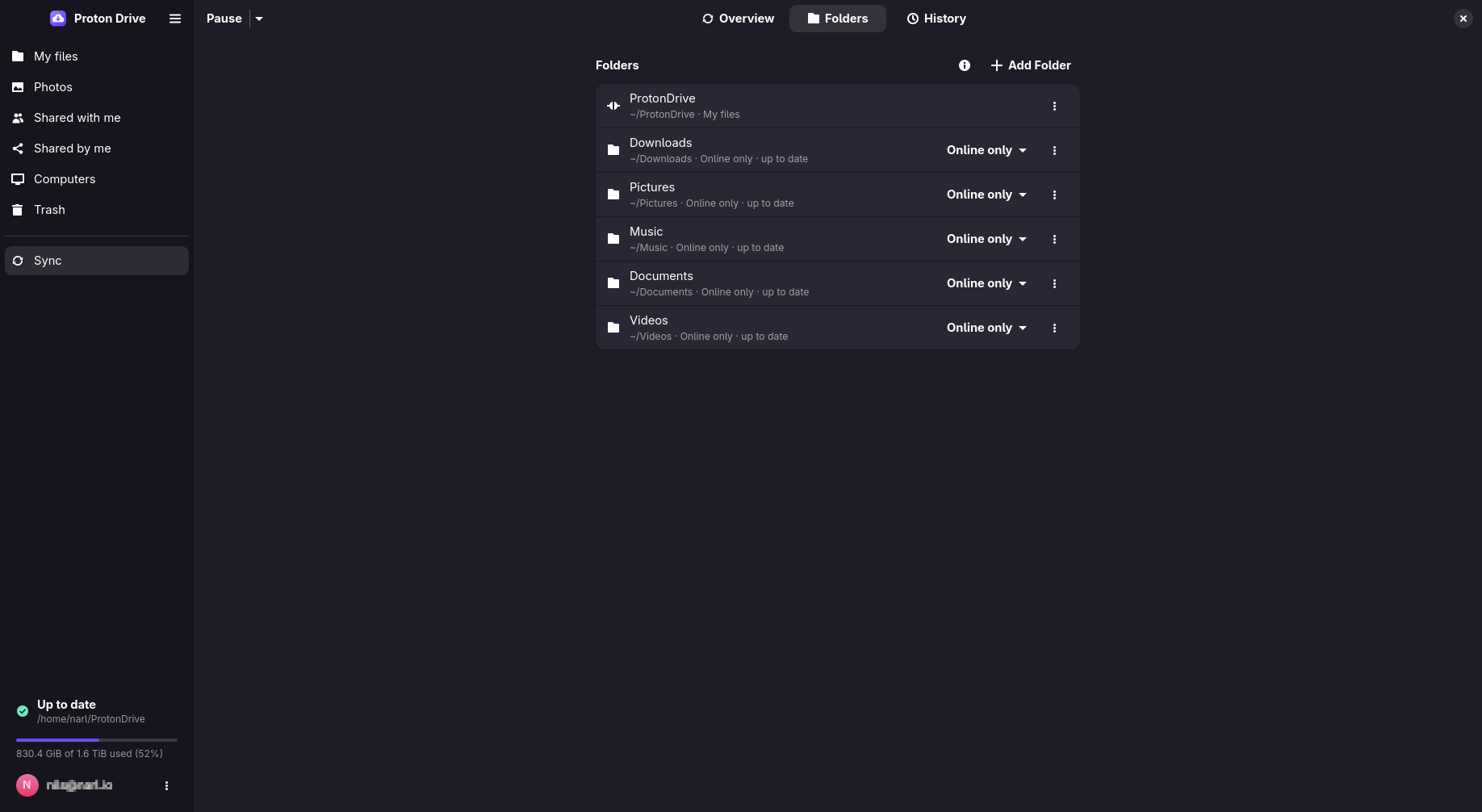
- **Synced folders.** Back up folders such as `~/Documents` under your computer in Proton Drive,
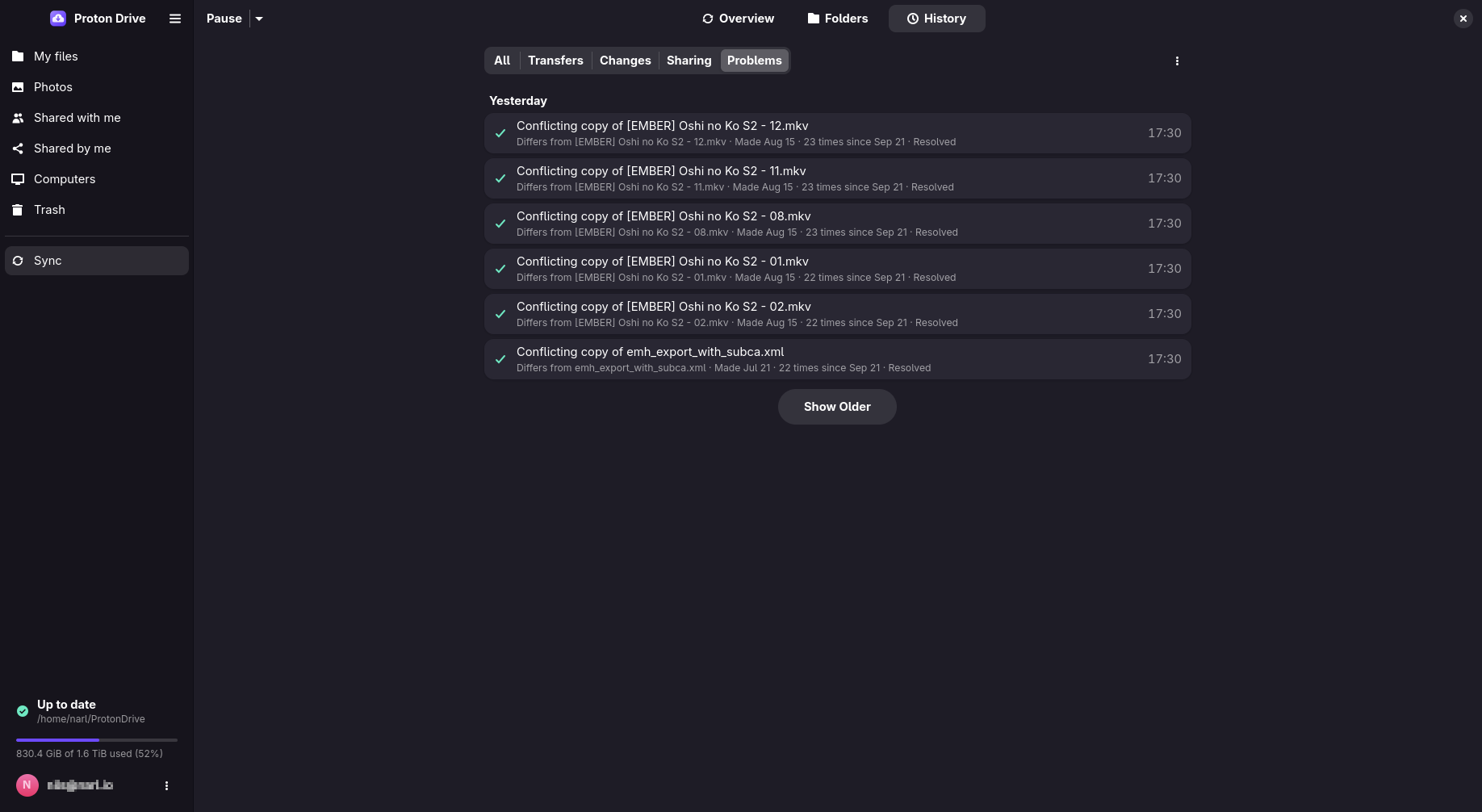
as a full two-way copy or online only. Gitignore-style `.pdfsignore` rules, conflict copies
instead of overwrites, pause and bandwidth limits.
- **Works at local speed.** Making, renaming and deleting files and folders returns at once, online
or offline. Changes are staged on disk and queued before they are acknowledged, so they survive
a lost connection, a crash or a reboot and reach Drive when they can.
**Desktop app**
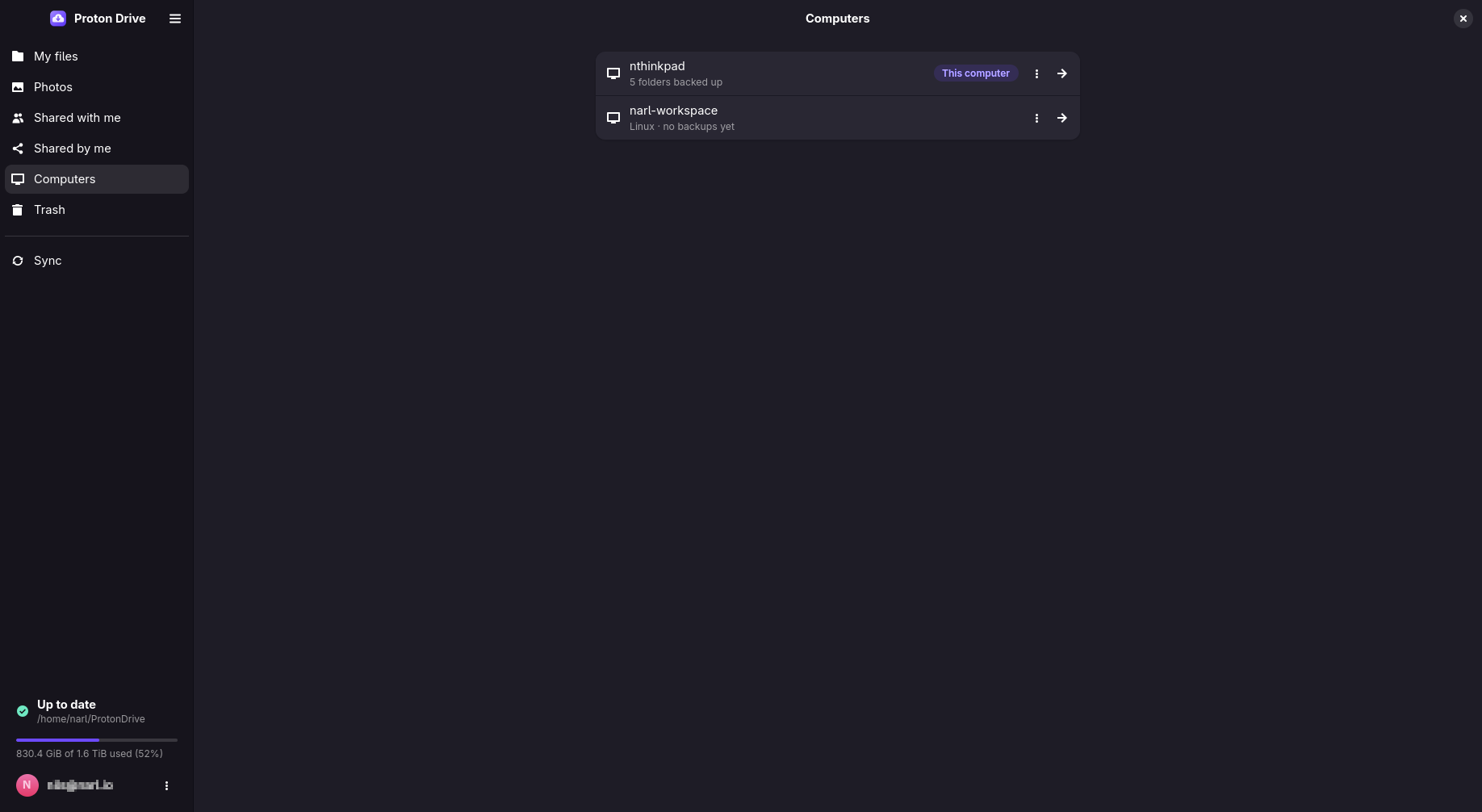
- **Browse** My files, Shared with me, Shared by me, Computers and Trash, with thumbnails
(including camera RAW), drag and drop, details and **version history**.
- **Photos.** Timeline with favorites, albums, and Places on a map; RAW+JPEG pairs shown as one
photo; duplicate finder; slideshow; **import from Google Photos** (Takeout).
- **Sharing.** Invite people as viewer, editor or admin, create public links with password and
expiry, accept invitations.
- **Sync overview.** What is uploading, what is waiting, what failed and why, and a history of
what happened. A change Drive refuses (storage full, access taken away) shows at once, on the
file too, and can be exported or discarded.
- **Tray icon** with status, pause and quick actions, and a **search launcher** (`pdfs-prompt`)
that searches Proton Drive and your home folder together, as its own window, through fuzzel,
rofi or wofi, or live in `fzf`.
- **Restore a computer.** Continue a backup on a new machine and bring its folders back in one
step.
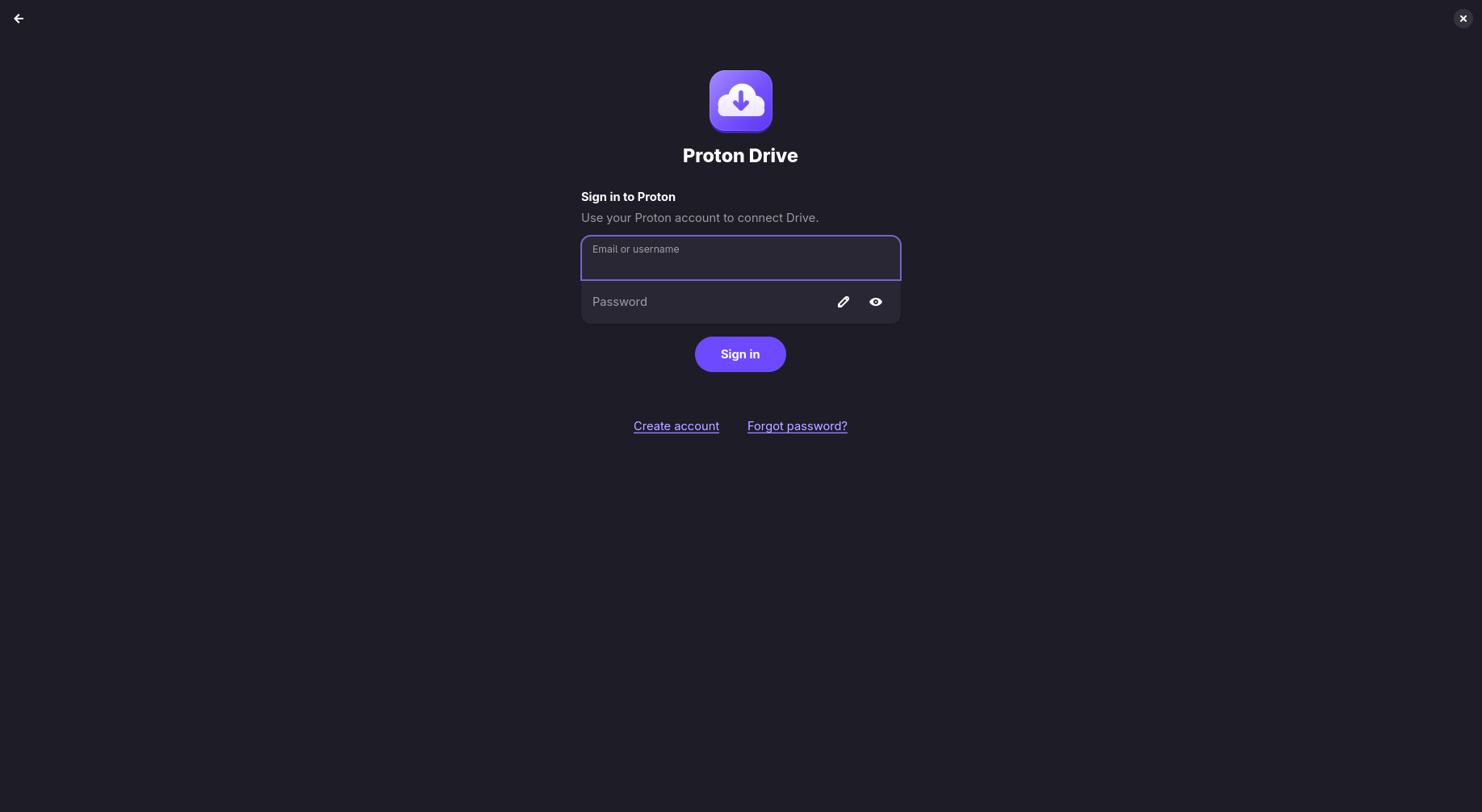
- **Sign-in** with two-factor authentication and CAPTCHA; the session is kept in the system
keyring.
- Available in English, German, Spanish, French, Italian, Dutch, Polish and Brazilian
Portuguese.
**Command line**
- About 55 `pdfs` commands cover files, sync, sharing, Photos, Trash, versions and diagnostics.
Query commands print JSON with `--json`.
## Install
| Distribution | Package |
|---|---|
| Debian, Ubuntu 24.04 or newer | `.deb` from the [latest release](https://github.com/narrrl/proton-drive-linux/releases/latest) |
| Fedora 44 or newer | `.rpm` from the [latest release](https://github.com/narrrl/proton-drive-linux/releases/latest) |
| Arch Linux | [`proton-drive-for-linux`](https://aur.archlinux.org/packages/proton-drive-for-linux) (also `-bin` and `-git`) in the AUR |
| NixOS | The flake in this repository: see [Install → NixOS](docs/INSTALL.md#nixos-flake) |
| Anything else | [Build from source](docs/INSTALL.md#build-from-source) |
```bash
sudo apt install ./proton-drive-linux_*.deb # Debian, Ubuntu
sudo dnf install ./proton-drive-linux-*.rpm # Fedora
paru -S proton-drive-for-linux # Arch
```
Then open **Proton Drive** from your applications menu and sign in. The app starts the background
service, and your files appear in `~/ProtonDrive`.
Signing in from a terminal instead? `pdfs login` stores the session but does not start the
service. Enable it once:
```bash
pdfs login
systemctl --user enable --now proton-drive.service
pdfs status
```
[docs/INSTALL.md](docs/INSTALL.md) has the requirements, optional extras (tray on GNOME, RAW and
video thumbnails), headless use and uninstalling.
## Documentation
| | |
|---|---|
| [User guide](docs/USER_GUIDE.md) | Everything the app, tray and launcher do |
| [Command-line reference](docs/CLI.md) | Every `pdfs` command and scripting with `--json` |
| [Configuration](docs/CONFIGURATION.md) | `config.json`, file locations, environment variables, the service |
| [Troubleshooting](docs/TROUBLESHOOTING.md) | Diagnosing problems and fixing common ones |
| [Recovering on a new computer](docs/RECOVERY.md) | Getting your synced folders back after a reinstall or a lost machine |
| [Security model](docs/SECURITY_MODEL.md) | What protects your files, what stays on this computer, what the client connects to |
| [Changelog](docs/CHANGELOG.md) | What changed in each release |
For contributors: [development guide](docs/DEVELOPMENT.md), [architecture](docs/ARCHITECTURE.md),
[testing](docs/TESTING.md), [translating](docs/TRANSLATING.md), [roadmap](docs/ROADMAP.md) and the
[bug ledger](docs/BUGS.md). The [documentation index](docs/README.md) lists everything.
## Screenshots