# Proton Drive for Linux
**Files-on-demand Proton Drive for the Linux desktop** — a FUSE virtual mount with block-level
caching, a scriptable CLI, and a native GTK4 app with tray and search launcher.
[](https://github.com/narrrl/proton-drive-linux/actions/workflows/ci.yml)
[](https://github.com/narrrl/proton-drive-linux/releases/latest)
[](LICENSE)
[](https://www.rust-lang.org)
[](#prerequisites)
> [!IMPORTANT]
> This is an **unofficial**, community-built client. It is not affiliated with, endorsed by, or
> supported by Proton AG. "Proton" and "Proton Drive" are trademarks of Proton AG, used here only
> to describe what the software talks to. Use a test account first, and read
> [`docs/RECOVERY.md`](docs/RECOVERY.md) before trusting it with data you cannot lose.
## Install
```bash
# Debian / Ubuntu
sudo apt install ./proton-drive-linux_*.deb
# Fedora
sudo dnf install ./proton-drive-linux-*.rpm
# Arch Linux (AUR)
paru -S proton-drive-for-linux # or -git / -bin
```
Packages for each release are attached to the [latest
release](https://github.com/narrrl/proton-drive-linux/releases/latest); see
[Installation & Packages](#installation--packages) for details and
[Building from Source](#building-from-source) to compile it yourself.
```bash
pdfs login # sign in (SRP + 2FA, credentials go to the system keyring)
pdfs status # mount state, queued writes, cache usage
pdfs-app # the desktop app
```
## Contents
- [Features](#features) · [Quick search](#quick-search-and-media-opening) · [Opening files](#choosing-how-files-open)
- [Selective sync](#selective-sync-pdfsignore) · [Diagnostics](#diagnostics--maintenance) · [Scripting](#scripting---json)
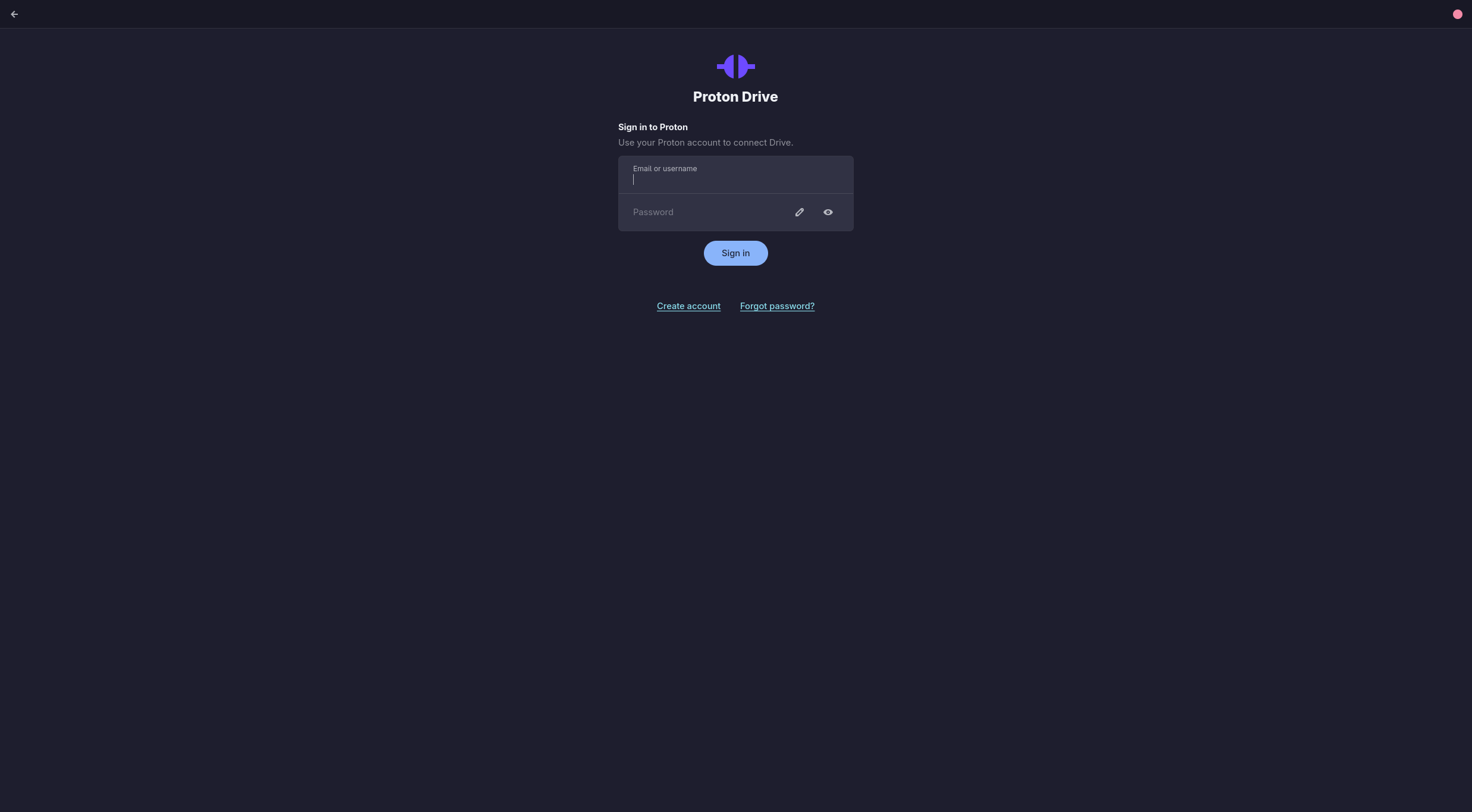
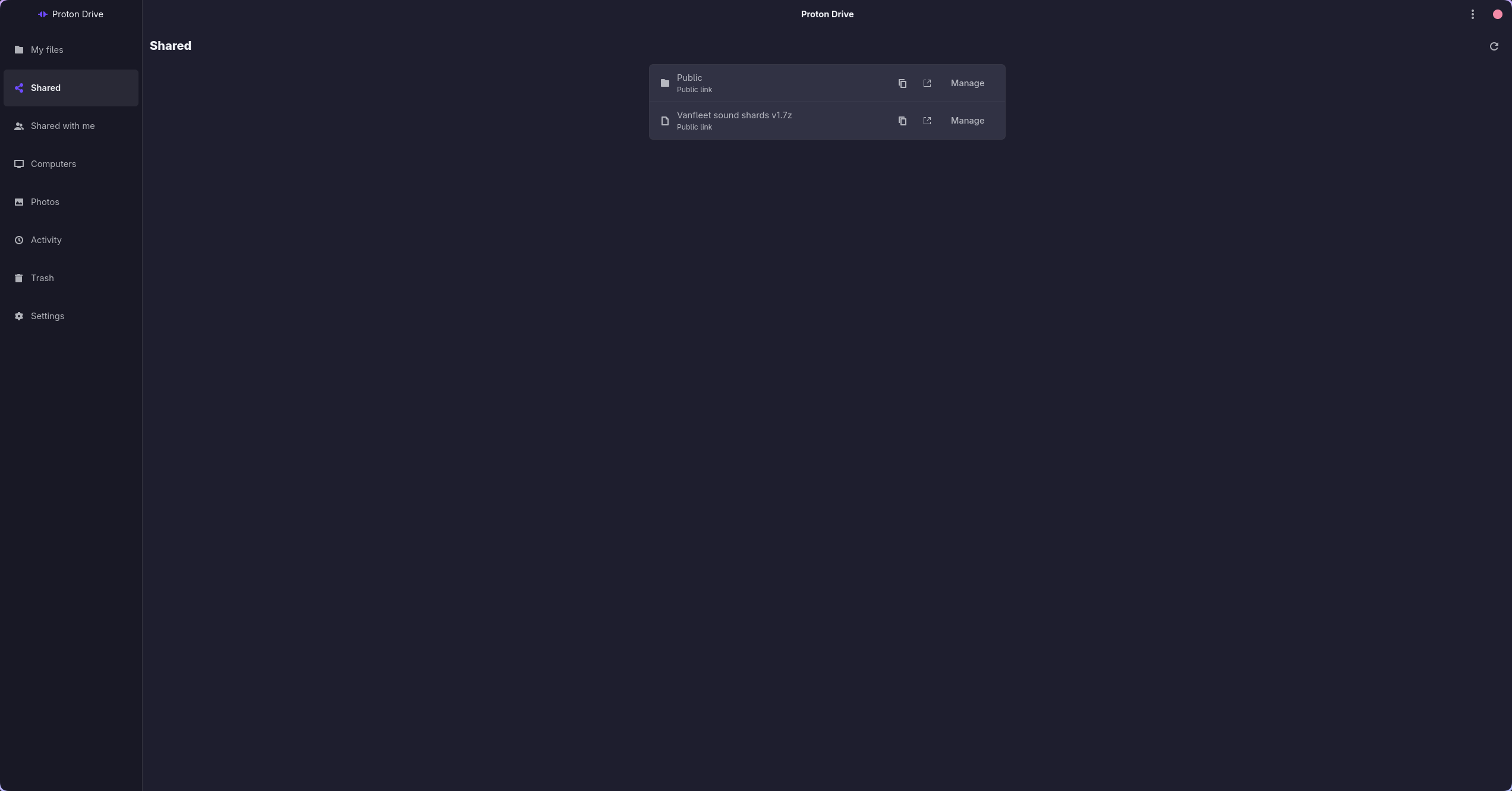
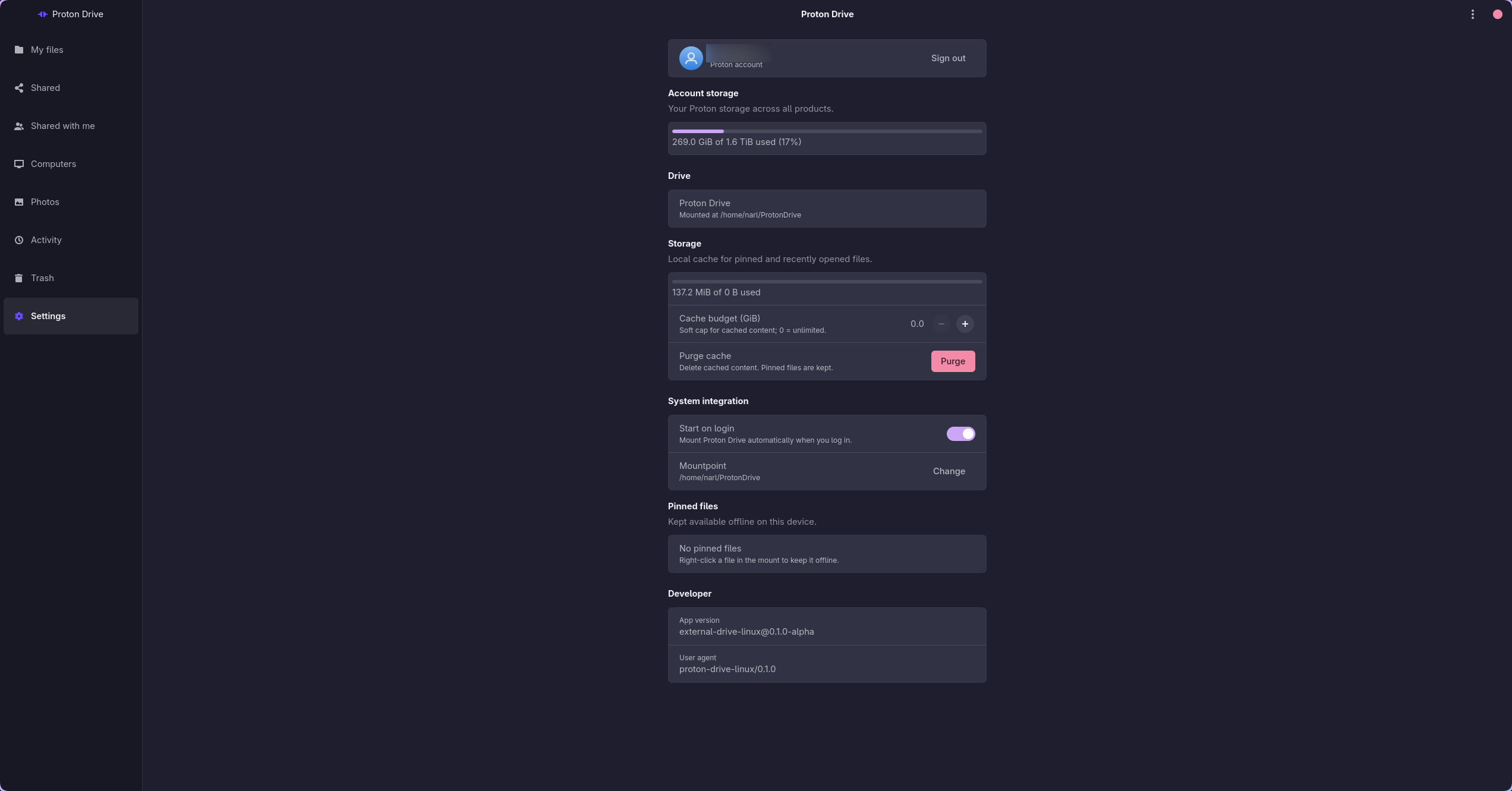
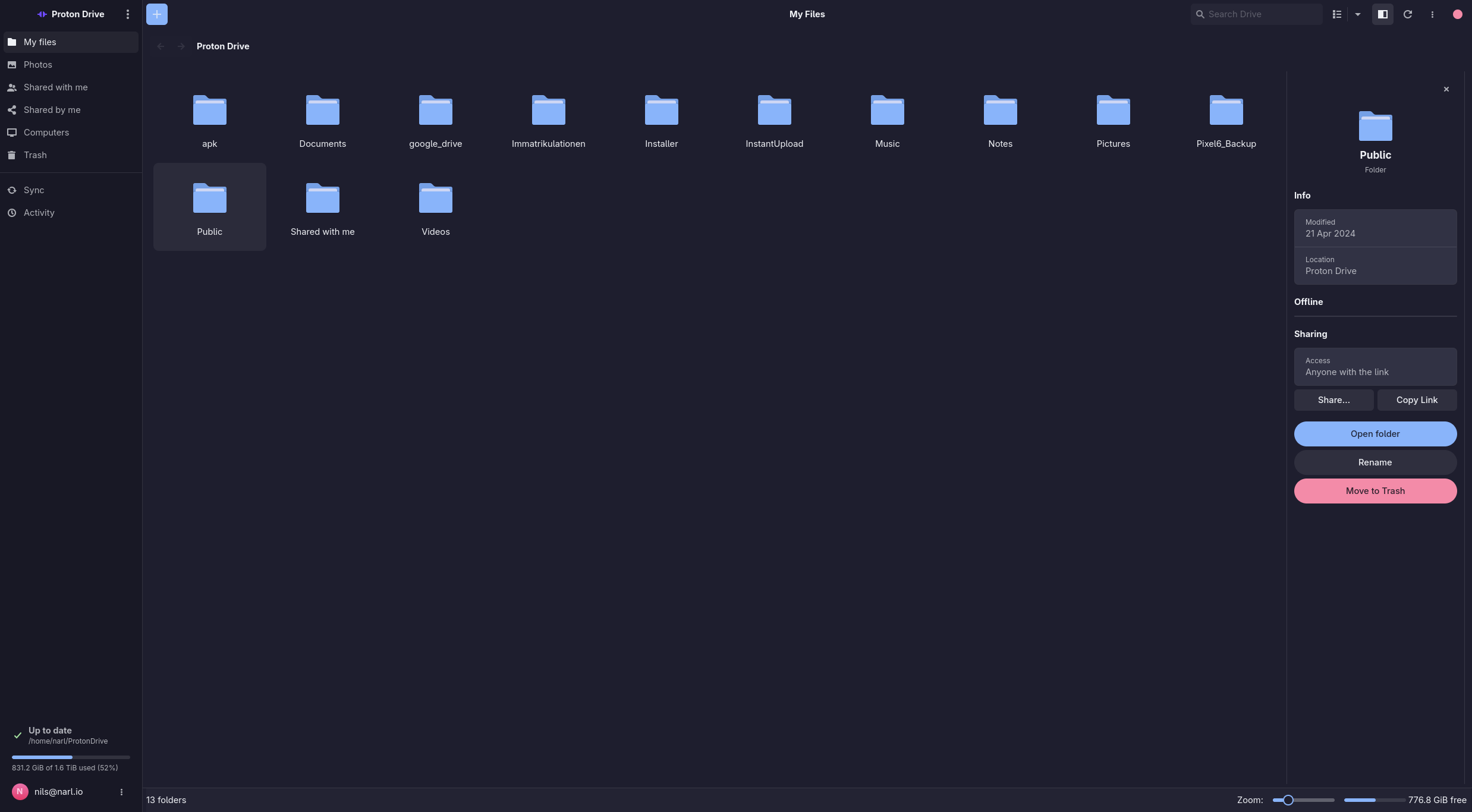
- [Performance](#performance--caching) · [Filesystem safety](#filesystem-safety) · [Screenshots](#screenshots)
- [Prerequisites](#prerequisites) · [Building](#building-from-source) · [Packages](#installation--packages) · [Releases](#automated-releases-cicd)
**Documentation:** [Architecture](docs/ARCHITECTURE.md) · [Testing](docs/TESTING.md) ·
[Recovery](docs/RECOVERY.md) · [Development](docs/DEVELOPMENT.md) · [Translating](docs/TRANSLATING.md) ·
[Known issues](docs/BUGS.md) · [Changelog](docs/CHANGELOG.md) ·
[Contributing](CONTRIBUTING.md) · [Security policy](SECURITY.md)
## Features
- **Files-on-Demand (FUSE)**: Mount your Proton Drive as a virtual filesystem where files are downloaded only when opened, utilizing smart block-level caching and disk-backed writes.
- **Command-Line Interface (CLI)**: Manage your drive, authenticate, and monitor sync status directly from the terminal.
- **Non-Blocking GTK4 Desktop App**: Browse files, manage pins, configure options, and monitor active transfers through a modern, native GUI with a fully non-blocking asynchronous main loop.
- **File Thumbnails**: Browse locally cached image previews in Files, Shared, and Trash, including embedded previews from camera RAW files. Build a whole folder tree from the Files toolbar and resize the grid from the status bar.
- **Shared Links & Invites**: Browse files shared with you by other users, and view/manage your own public shared links directly in the GUI.
- **Local Backup (Computers)**: Sync and back up local directories (like Downloads, Documents, Pictures, etc.) directly to your Proton Drive account.
- **Locations**: One page (and `pdfs locations`) listing every place Proton Drive occupies on this machine — the main mount plus each backed-up folder — with its mode, sync state, and whether it is read-only. Switching a folder between a full local copy and on-demand happens here.
- **System Tray Integration**: Background indicator for status monitoring, quick actions, and fast sync controls.
- **Unified Search Launcher (HUD)**: A resident Google Drive-style launcher (`pdfs-prompt`) that searches Proton Drive and local files together, ranks the best matches, tolerates abbreviations and typos, and is ideal for a system-wide hotkey. It can also present the same search in your own launcher (`--dmenu`) or, searching live as you type, in `fzf` (`--fzf`).
- **Secure Credential Storage**: Integrates with the system Secret Service (GNOME Keyring, KWallet, etc.) with smart in-memory credential caching to avoid UI thread blockages.
- **Proton Photos Support**: Access your Proton Photos timeline, view thumbnails, and download backed-up media natively (available in the GUI as a navigation tab and via the CLI).
- **File Version History**: Every revision Proton Drive still holds for a file, from the browser's details pane (**Versions**) or `pdfs versions list|restore|save|rm`. Restoring is server-side — no re-upload — and an old version can be written out to a local file without touching the live one.
- **Photo Favourites**: Star a photo in the lightbox, filter the gallery to favourites, or use `pdfs favorite